

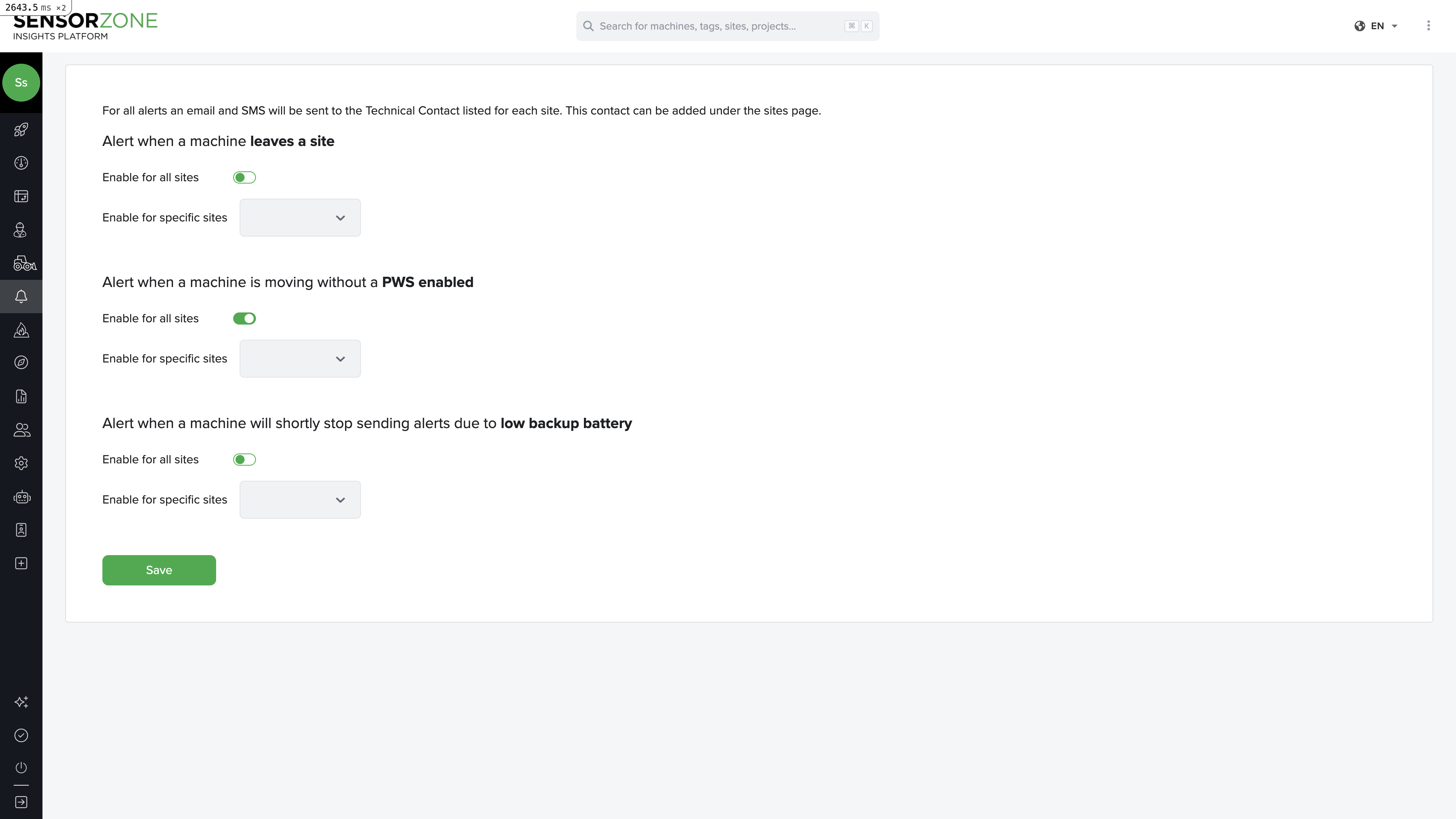
Alerts is a premium feature. If you don’t see the Alerts page in your navigation, contact your administrator to check your plan.
Alert types
SensorZone supports three types of alerts:Leave Site
Triggered when a tag leaves a worksite boundary. Useful for tracking when personnel exit a designated safe zone.PWS Disconnected
Triggered when a base station (PWS) stops communicating. This could indicate a hardware failure, power loss, or connectivity issue that needs immediate attention.Low Battery
Triggered when a tag or base station reports a low battery level. Replace the battery promptly to avoid gaps in safety monitoring.Configuring alerts
Select an alert type
Click on the alert type you want to configure (Leave Site, PWS Disconnected, or Low Battery).
Assign worksites
Select which worksites this alert should monitor. You can select individual sites or apply the alert to all sites.
Configure recipients
Add the phone numbers that should receive SMS notifications when this alert triggers.
Managing alerts
- Edit — Update the worksites or recipients for an existing alert at any time
- Disable — Temporarily turn off an alert without deleting its configuration
- Delete — Permanently remove an alert configuration
SMS delivery
Alerts are delivered via SMS to the configured phone numbers. Delivery typically occurs within seconds of the triggering event.Next steps
Video
Review video footage from machine cameras.
Settings
Manage your account and brand configuration.